Tune a Noisy SIEM Rule Without Blinding Yourself
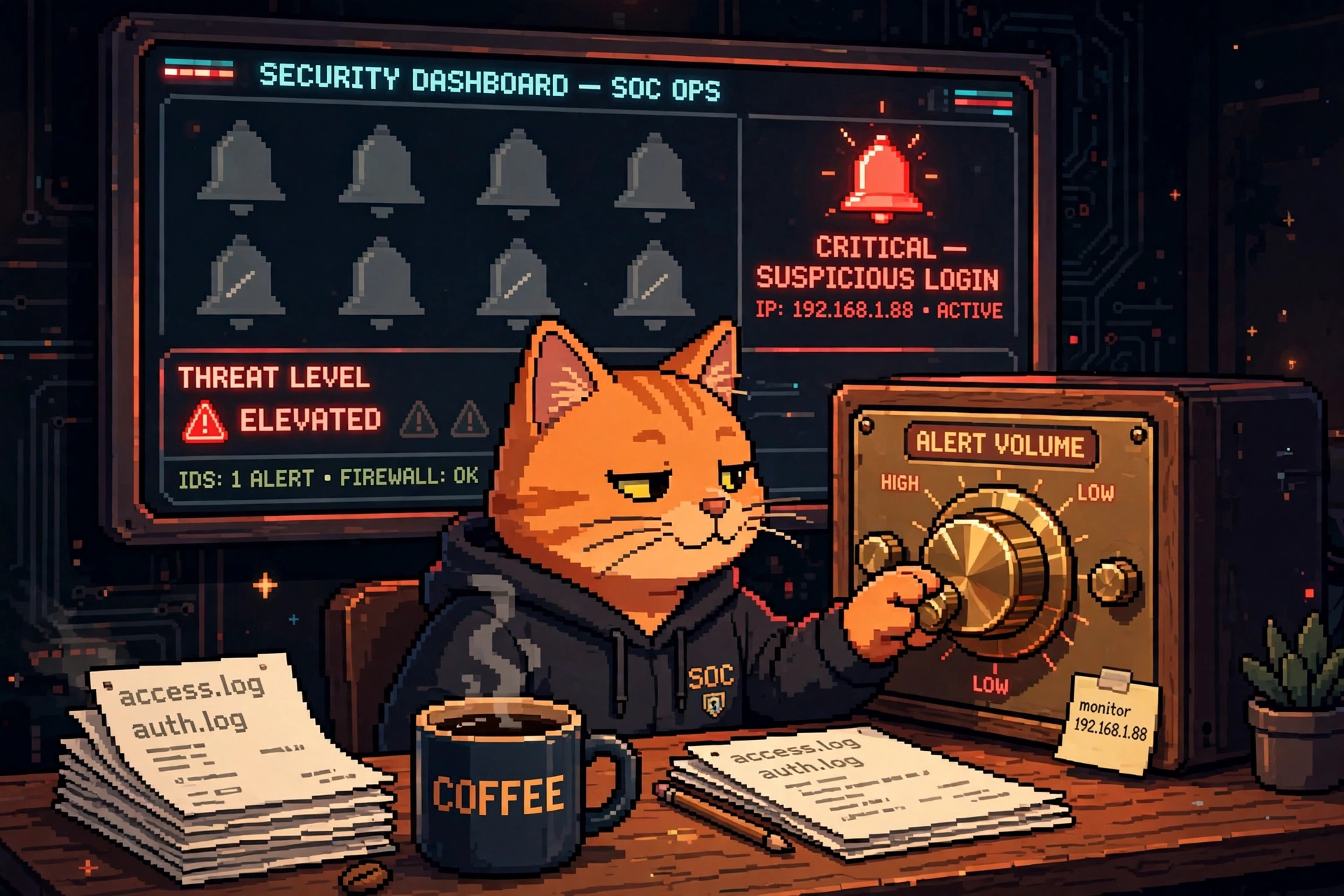
Turn the volume down, not the visibility off. The one red bell that matters should still ring.
The smoke detector that cried wolf
Imagine a smoke detector that goes off every time you make toast. Day one, you run to the kitchen. Day three, you wave a towel at it. Day thirty, you take the batteries out — and that's the day the toaster actually catches fire.
That's a noisy SIEM rule. A SIEM — Splunk, Microsoft Sentinel, the big central log brain — watches every event your tools send it and fires an alert when a rule matches. When a rule fires 400 times a day and 399 of them are harmless, analysts stop reading it. And the one real attack hides in the pile, unread, exactly like the fire behind the dead smoke detector.
The rookie fix is to delete the rule. The Level 9 fix is to tune it: keep the detection, kill the noise. This lab shows you how, with real numbers and a real workflow.
Where the alert comes from (the workflow map)
A SIEM rule never fires in a vacuum. Here's the pipeline a real team runs, and where tuning touches each piece:
- EDR (CrowdStrike, SentinelOne) — the agent on every laptop and server — sees a process do something odd and sends the event to the SIEM.
- Firewall (Palo Alto) logs the network connection the process tried to make. That log lands in the SIEM too.
- SIEM (Splunk, Microsoft Sentinel) correlates the two: weird process + weird connection = alert. This is the rule we're tuning.
- SOAR (the conductor from the Level 1 post) can enrich the alert automatically — check the IP against threat intel, look up the user — before a human ever sees it.
- ITSM (ServiceNow) gets a ticket — but only for the alerts that survive tuning and enrichment, pre-filled with the evidence so the analyst starts informed, not blind.
Tuning happens at step 3, in the rule itself. Everything downstream gets quieter and smarter as a side effect: fewer junk tickets in ServiceNow, fewer 3 AM pages, and analysts who actually read the queue again.
The lab: measure first, tune second
Our noisy rule: "Multiple failed logons followed by a success" — the classic brute-force detector. It fires 412 times in a week. Your SOC lead swears half of them are the same service account fat-fingering its own password rotation. Let's prove it with data instead of vibes.
Step 1 — export a week of alerts. In Splunk, that's a search like index=security rule_name="brute_force_logon" | table _time, user, src_ip, result. In Microsoft Sentinel, the same export comes from a KQL query over the SecurityAlert table. Export to CSV. No SIEM handy? The sample CSV below is the shape you want — one row per alert, with the fields that let you group them.
Step 2 — count, don't guess. This little Python script reads the export and shows you where the noise actually lives:
import csv
from collections import Counter

with open("brute_force_alerts.csv") as f:
    alerts = list(csv.DictReader(f))

print(f"total alerts: {len(alerts)}")

# What (or who) is generating the bulk of the noise?
print("top users:", Counter(a["user"] for a in alerts).most_common(5))
print("top source IPs:", Counter(a["src_ip"] for a in alerts).most_common(5))
print("by hour:", Counter(a["_time"][:13] for a in alerts).most_common(3))

# False-positive rate, from your own triage notes
fps = sum(1 for a in alerts if a["verdict"] == "benign")
print(f"false positives: {fps} / {len(alerts)} = {fps / len(alerts):.0%}")
Run it and you get the picture in one screen:
total alerts: 412
top users: [('svc-backup', 287), ('jdoe', 9), ('admin', 7), ...]
top source IPs: [('10.4.2.18', 287), ('203.0.113.44', 11), ...]
by hour: [('2026-11-02T03', 41), ('2026-11-03T03', 41), ...]
false positives: 389 / 412 = 94%
There it is. One service account, svc-backup, from one internal IP, at 3 AM every night — that's the backup job retrying with a stale password before the rotation lands. 287 of 412 alerts. The remaining 125 are spread across real users, and the handful from the external IP 203.0.113.44 are the ones that actually deserve a ServiceNow ticket.
Tune it — precisely, and with an expiry date
Now we rewrite the rule instead of deleting it. The tuned rule keeps firing on the real pattern and stops firing on the known-benign one. In Splunk's SPL, the change looks like this:
index=security EventCode=4625 OR EventCode=4624
| stats count(eval(EventCode=4625)) as fails,
        count(eval(EventCode=4624)) as success by user, src_ip
| where fails >= 5 AND success >= 1
| search NOT (user="svc-backup" AND src_ip="10.4.2.18")
Three rules of good tuning, and they're the whole point of this lab:
- Exclude the pattern, not the rule. We filtered out one user from one IP — the proven-benign backup job — not "all failed logons" and not "all service accounts." The rule still catches a brute-force against any other account, including
svc-backupfrom anywhere else. - Put an expiry date on every exclusion. That
NOTline gets a review date 30 days out, written in the rule's own description, plus a ticket in ServiceNow to fix the backup job's password rotation so the exclusion can be removed entirely. An exclusion with no owner and no expiry is just a blind spot you forgot about. - Thresholds beat vibes. "5 failures then a success" is a number you can defend and a number you can re-measure. If the next measurement shows real attacks slipping under 5, you lower it to 3 — with data, not a hunch.
Before you touch a rule, write down two numbers: how many alerts it fires per week, and what percentage are false positives. Tune, wait a week, measure again. If the alert count dropped and the true positives are all still firing, you tuned. If the true positives vanished too, you didn't tune — you muted. Put it back and tune smaller.
Test before you trust it: the shadow run
Never push a tuned rule straight to the live queue. Run the new version in shadow mode for a week: it writes its would-be alerts to a side index or a test workspace in Sentinel, but nothing pages anyone and no ServiceNow ticket opens. At the end of the week, compare:
- Did the tuned rule fire on every true positive the old rule caught? (If it missed one, the exclusion is too broad.)
- Did the alert volume drop by roughly the false-positive share you measured — here, about 70%?
- Did anything new show up that the old rule missed? Sometimes tuning reveals a pattern the noise was drowning out.
Only when all three check out does the tuned rule go live. That's the difference between tuning and guessing: the shadow run is the receipt.
The traps that blind you
Every SOC has a story about a rule someone "fixed" that later missed a real incident. The usual suspects:
- Deleting the rule instead of tuning it. The noise is gone, and so is the detection. The attacker sends a thank-you card.
- Excluding by IP alone — "it's just our VPN range." Attackers love trusted ranges. Exclude the user and the IP and the time window, or don't exclude at all.
- Tuning on one week of data. Monthly jobs, quarterly patching, and the finance team's end-of-month batch all look like anomalies until you've seen a full cycle. Measure for at least 30 days before you call a pattern benign.
- No review date. Networks change. The backup job gets replaced, the IP gets reassigned to a contractor laptop, and your 2026 exclusion is now hiding 2027's breach.
Try it yourself
Pick the noisiest rule in your world — your SIEM, your home lab, or even your email filters. Export a week of its hits, run the counting script, and find the one pattern responsible for most of the noise. Write the exclusion for that pattern only, give it a 30-day review date, and shadow-run it for a week. Congratulations: you just did detection engineering. The SIEM did the shouting; you did the thinking.
Next in this series at Level 9: we hunt with KQL — finding the needle in Microsoft Sentinel without drowning in the haystack. Tuning taught us to quiet the noise; next we learn to interrogate what's left.